
Ex-Filter
Ex-filter · door ObviousIdea
Je digitale break-up,
Jouw manier.
Na een break-up, een klein bubbelje om op adem te halen.
Zoek foto's en video's van je ex. Controleer de matches. Kies wat je wilt houden, apart zetten of veranderen — in je eigen tempo.
iPhone & iPad · iOS / iPadOS 17 of hoger

Nu beschikbaar voor iPhone en iPad. Gratis te downloaden.

A little space. A clearer view.
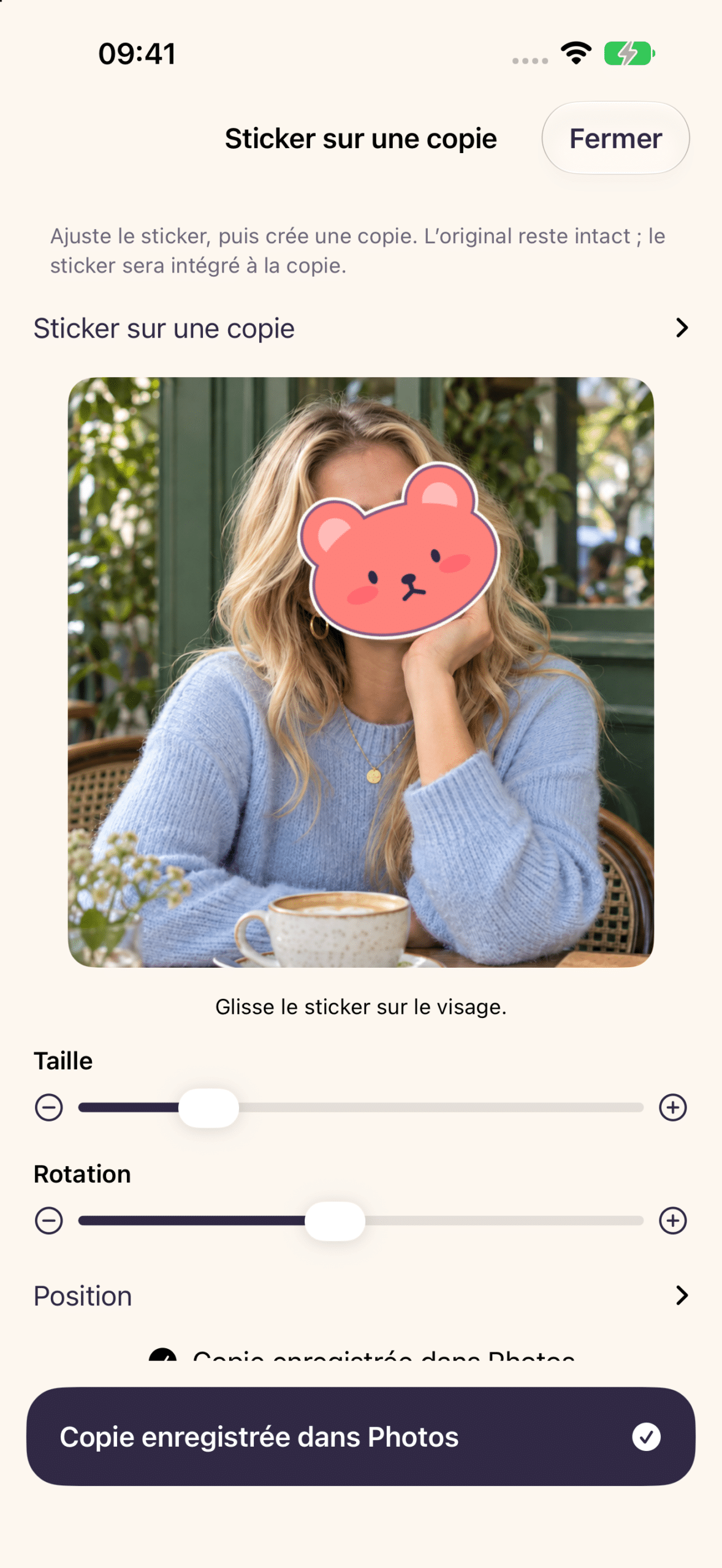
Take a look inside Ex-Filter on iPhone. Real app screens in English and French, using synthetic demo media.
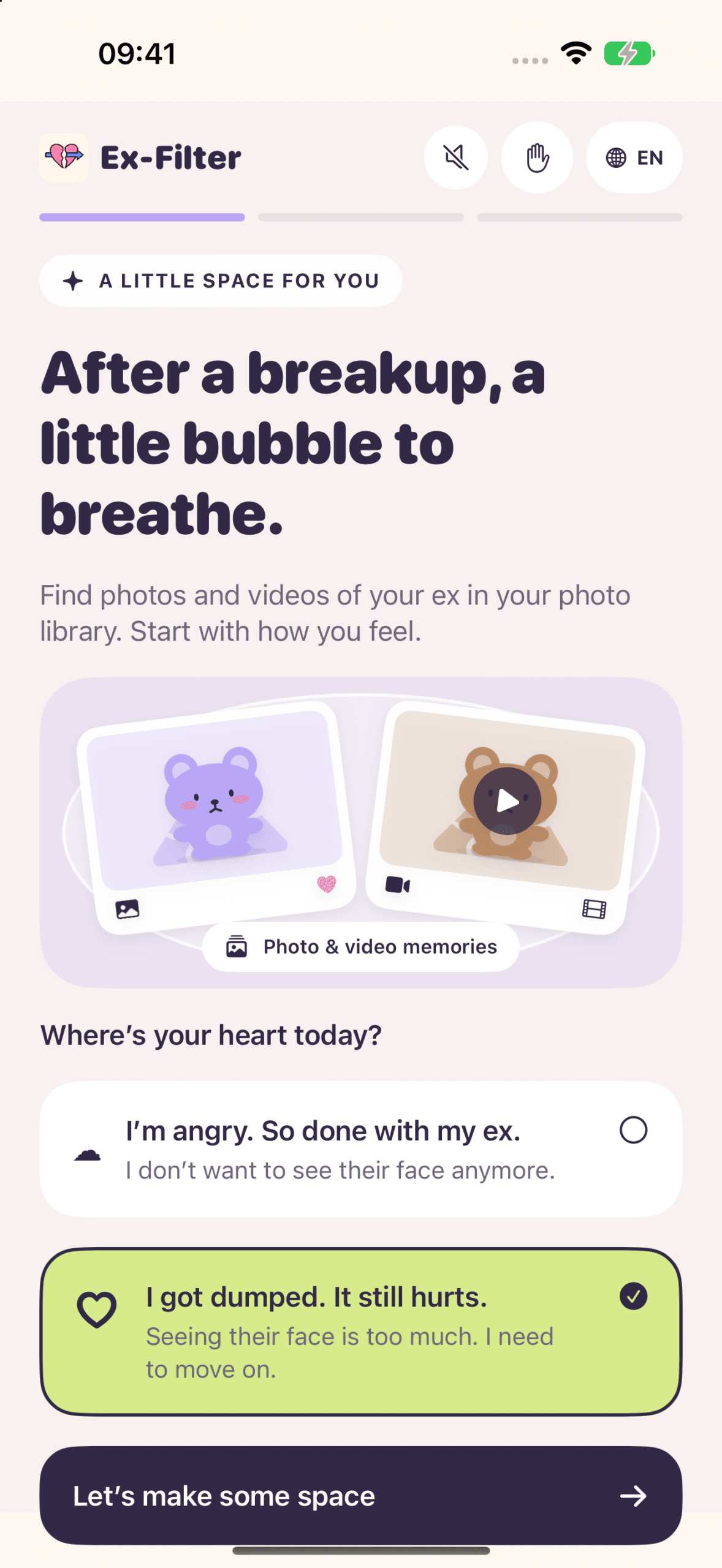
Start with how you feel
A little space for you, with a tone that meets you where you are.
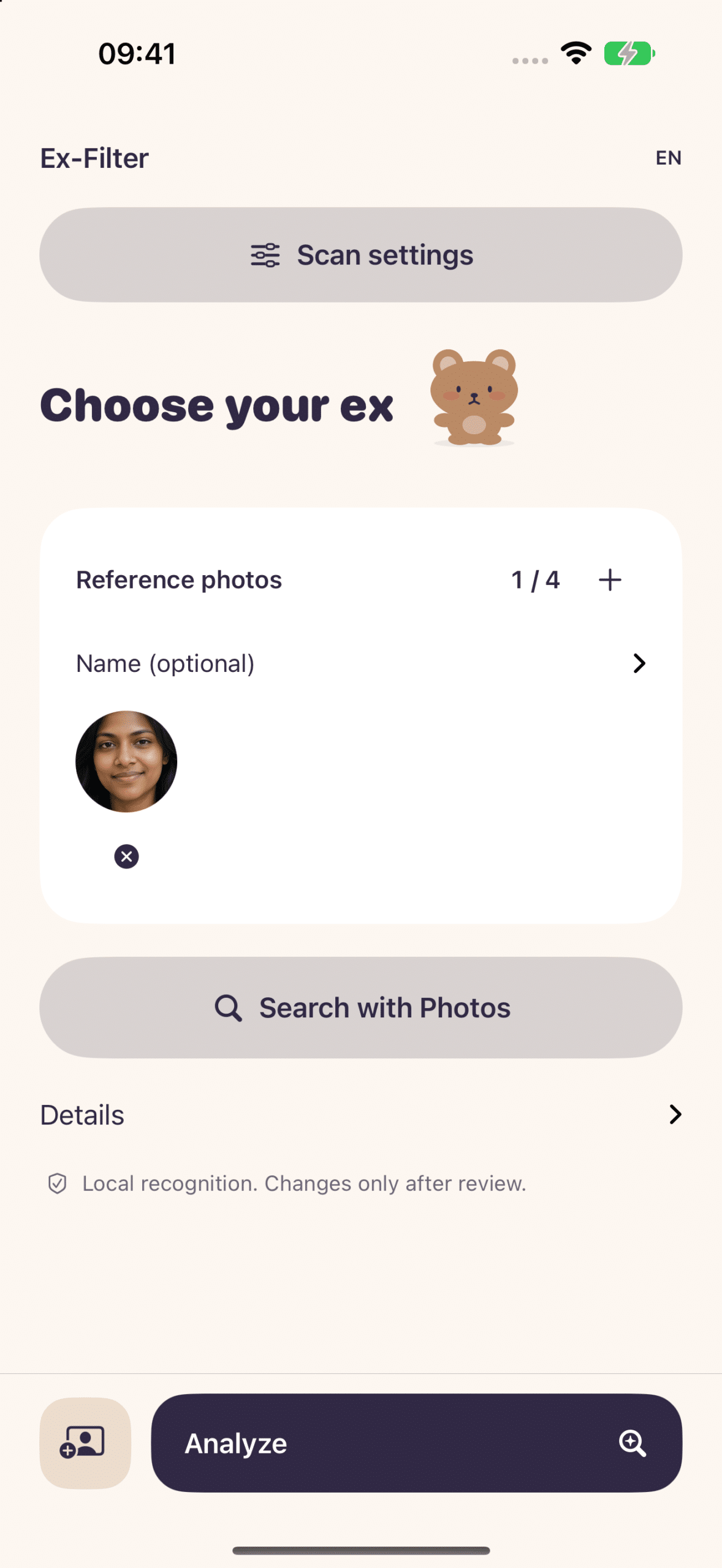
Kies wie je zoekt
Voeg een referentiefoto toe en zoek daarna naar de herinneringen die je wilt bekijken.
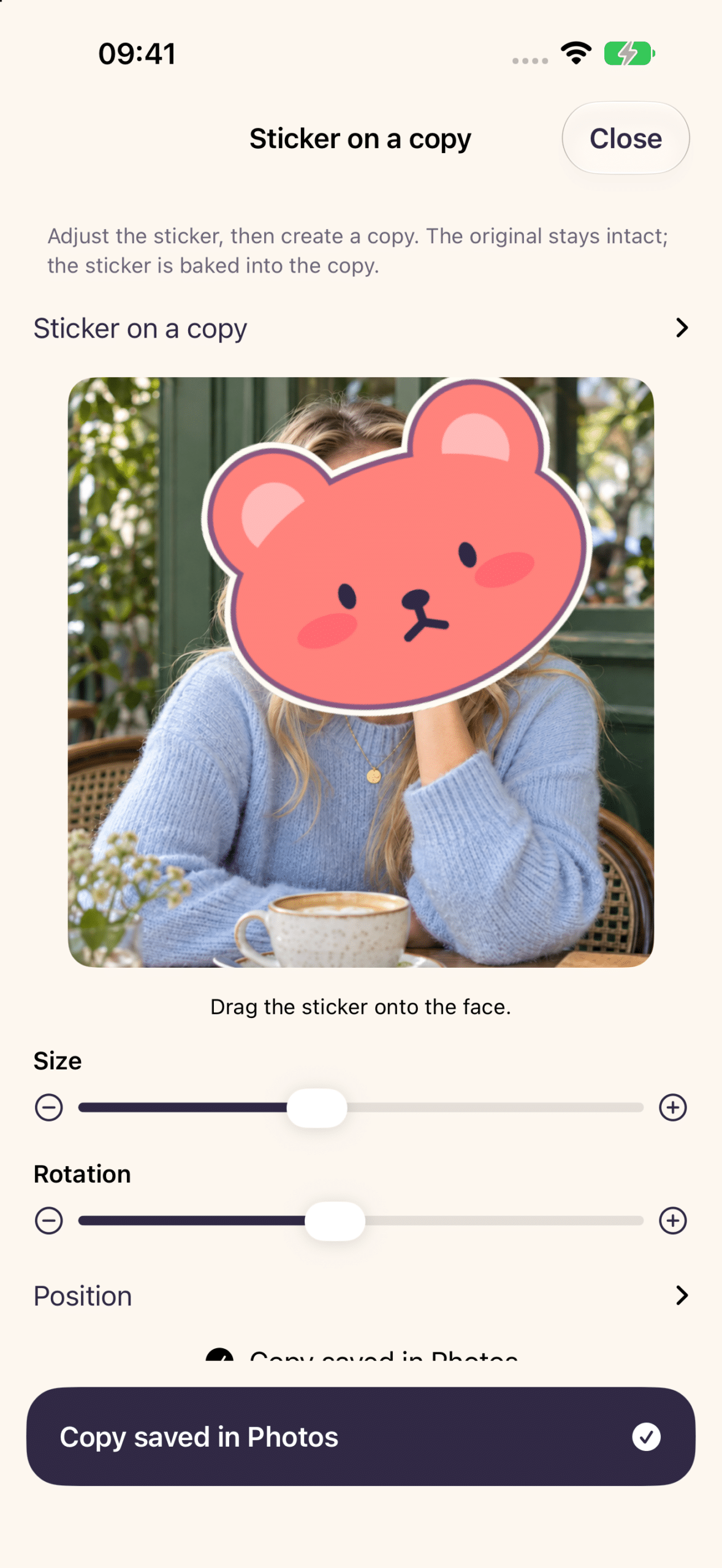
Houd het moment vast
Plaats een personage over hun gezicht en sla een nieuwe foto op. Je origineel blijft intact.
Vinden. Checken. Sorteren.
Een beetje ruimte, stap voor stap. Je blijft in controle. Zoeken verwijdert je foto's nooit.
1 →
Kies een gezicht
Begin met een foto van je ex. Voeg meer voorbeelden toe als dat nodig is.
2 →
Herinneringen vinden
Zoek naar vergelijkbare gezichten in de foto's en video's die je de app toegang geeft.
3 →
Controleer de matches
Bekijk de resultaten en pas je selectie aan. Gezichtsmatching kan fouten maken.
4 ✓
Kies wat er hierna komt
Maak een album, houd een back-up bij of maak een foto met een sticker.
Je herinneringen. Je volgende stap.
▤ Breng ze samen
Verzamel je selectie in een Foto-album zodat het makkelijker te beoordelen is.
Een album groepeert foto's. Het verbergt of vergrendelt ze niet.
↗ Leg ze opzij
Maak een back-up van je selectie buiten je fotobibliotheek, met Bestanden of een versleutelde kluis.
Keep an external copy and your recovery key separately.
✿ Keep the photo
Cover their face with a kawaii sticker. Adjust its size and position, then save a new photo.
Your original stays untouched. A Live Photo becomes a still copy.
You don’t have to decide everything today.
A group photo you still love. A trip you want to remember. A few memories you simply need out of the way for now.
Ex-Filter gives you choices, with warm little characters to keep you company along the way.
Take a moment to check. Face matching may miss a face or suggest a wrong match. Brief appearances in videos can be missed. Keep the app open while searching and review the results before taking action.

Made for your iPad, too.
The same gentle choices, with more room to see the details.
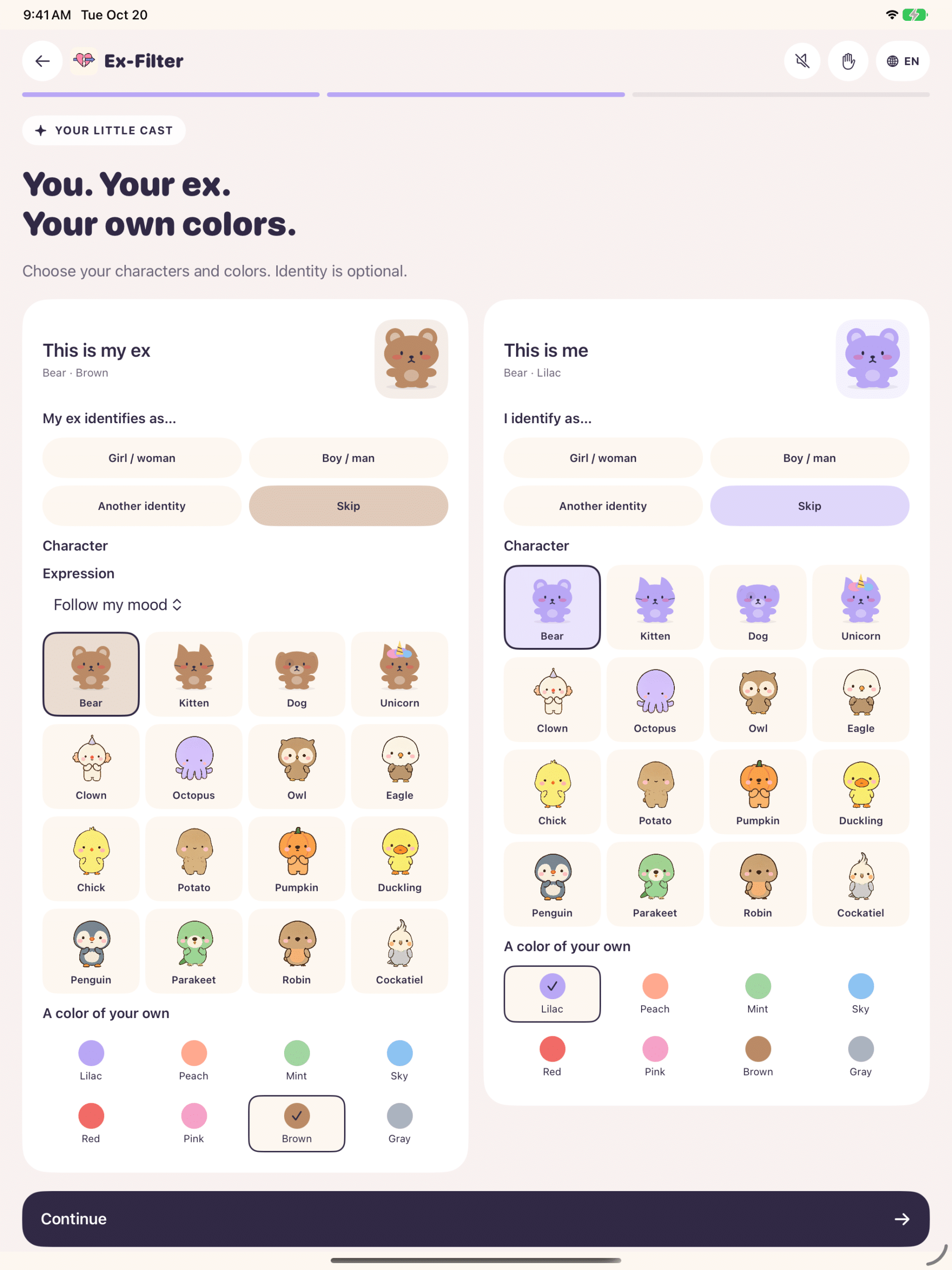
Choose your characters
Pick the characters, expressions and colors you like.
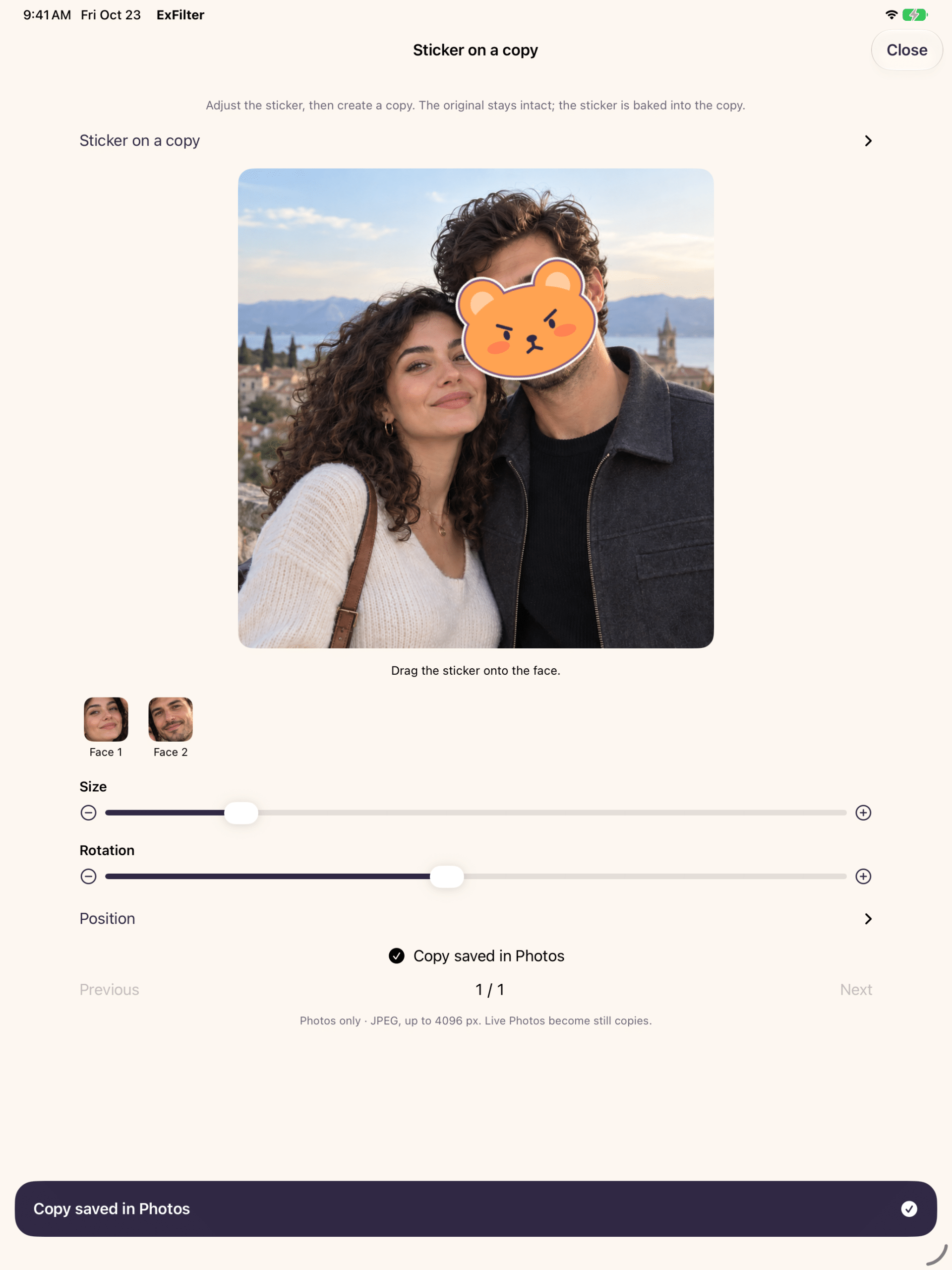
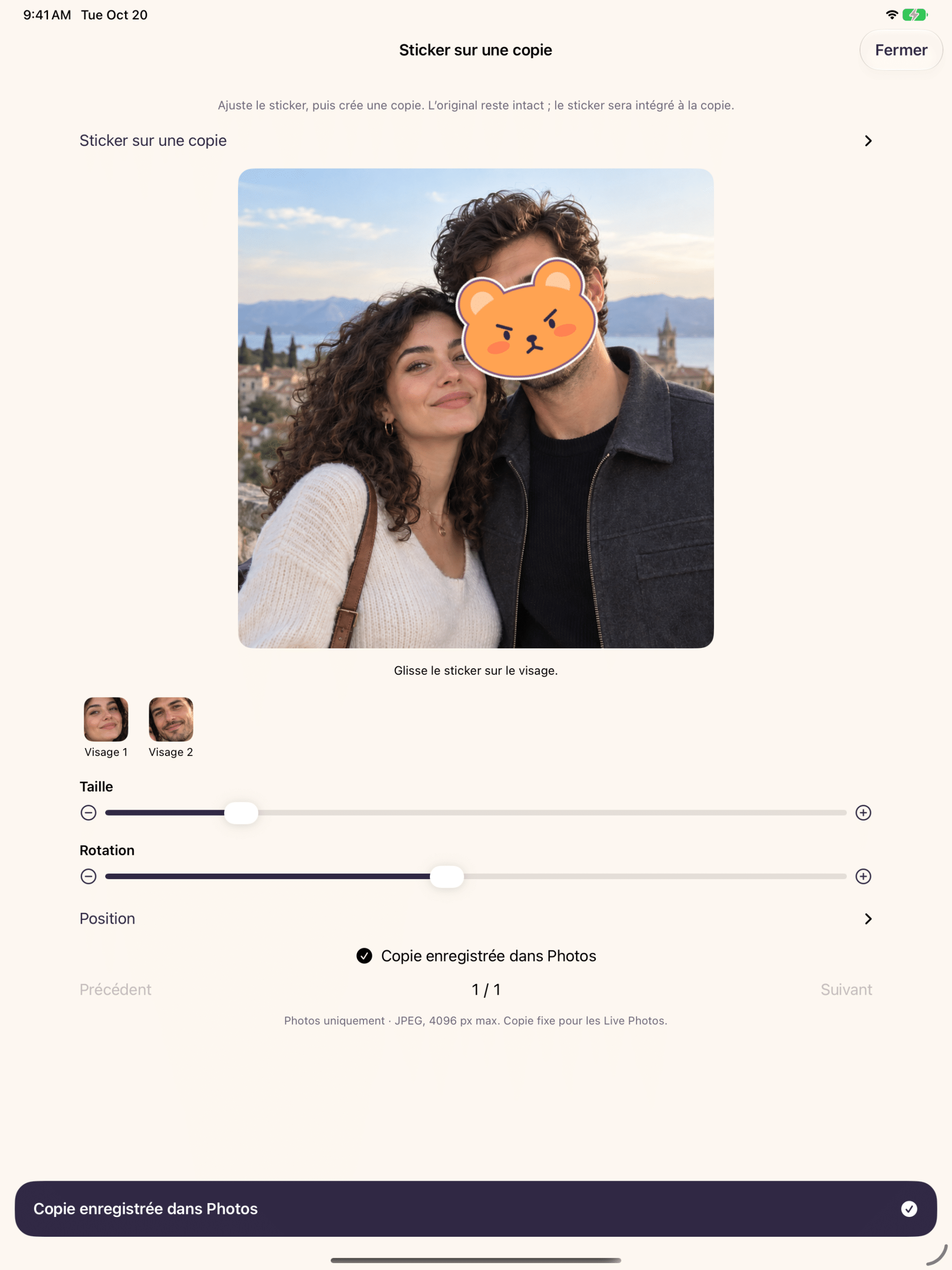
Room to get it just right
Preview your sticker on a bigger screen, with size, rotation and position controls.
Face matching stays on your device.
On your iPhone or iPad
Your chosen photos → Local face matching → Results you review
No Ex-Filter account is needed. The app does not send your photos or facial signatures to ObviousIdea’s servers.
You control whether the app may download media from iCloud. Exporting to a cloud location in Files uses the provider you choose.
Ex-Filter privacy policy
Last updated: October 20, 2026. Publisher and data controller: ObviousIdea, France. Contact: [email protected].
Photos and face matching
Ex-Filter verwerkt de media die je op je apparaat toestaat om een persoon te vinden die je kiest. Referentieafbeeldingen, namen, gezichtshandtekeningen en resultaten blijven in een lokaal versleuteld dagboek zodat de analyse kan worden voortgezet. ObviousIdea ontvangt noch je media, noch je gezichtshandtekeningen. Zoeken met foto's gebruikt Apple's picker; de app ontvangt alleen jouw selectie.
Uw besturing en behoud
Het menu van Ex-Filter laat je een opgeslagen analyse vergeten. Dit verwijdert het dagboek en de referenties zonder je originele foto's of kluizen te verwijderen. Taal-, stemming-, identiteits- en karaktervoorkeuren blijven op je apparaat staan. Het resetten van de introductie reset de personalisatie, maar behoudt de gekozen taal. Je kunt de toegang tot Foto's beperken of intrekken in je apparaatinstellingen.
Back-ups, bestanden en iCloud
Archives may include originals, dates, locations and other metadata. Vaults are encrypted and their local keys do not sync. Keep an external copy and the recovery key separately: deleting the app can destroy local archives, and ObviousIdea cannot recover your key. Copies in Files, iCloud downloads and changes synchronized by Photos depend on Apple or your chosen provider. An album does not hide photos or exclude them from Memories.
Photo copies and stickers
The sticker editor creates a new still photo. Your original remains untouched. For a Live Photo, the saved copy is a still image. Review the placement and size of each sticker before saving. Other library operations are separate actions that you choose.
Diagnostics and support
Technical logs of limited size remain on your device. They record version, performance, memory and counts, without images, names, media identifiers or facial signatures. The app does not automatically send these logs to ObviousIdea. Ex-Filter requires no account and includes no advertising or usage tracking service. If you contact support, ObviousIdea receives the information you choose to send.
For privacy questions or requests, email [email protected]. The ObviousIdea website privacy policy applies when you visit this website; this notice describes the app itself.
Ex-Filter · ObviousIdea · Support