
Ex-Filter está aqui: Arquiva fotos do seu ex no iPhone e iPad
Ex-Filter is available today, October 23, 2026, and it’s free on the App Store for iPhone and iPad. If a breakup left your camera roll full of photos you aren’t ready to look at, but also aren’t ready to delete, it offers a calmer way to deal with them. Download Ex-Filter for iPhone and iPad and try it at your own pace.
Why we built Ex-Filter
After a breakup, photos of your ex turn up everywhere: in search results, in shared albums, between pictures of friends and holidays. Deleting everything in one go can feel final, and scrolling to find them one by one is exhausting. Ex-Filter is an iPhone and iPad photo organizer for after a breakup. It helps you find, sort and archive those photos when you’re ready, without forcing a decision.
It was built by a software publisher after going through a breakup, with AI used to help develop the app and create its characters.
How the face matching works
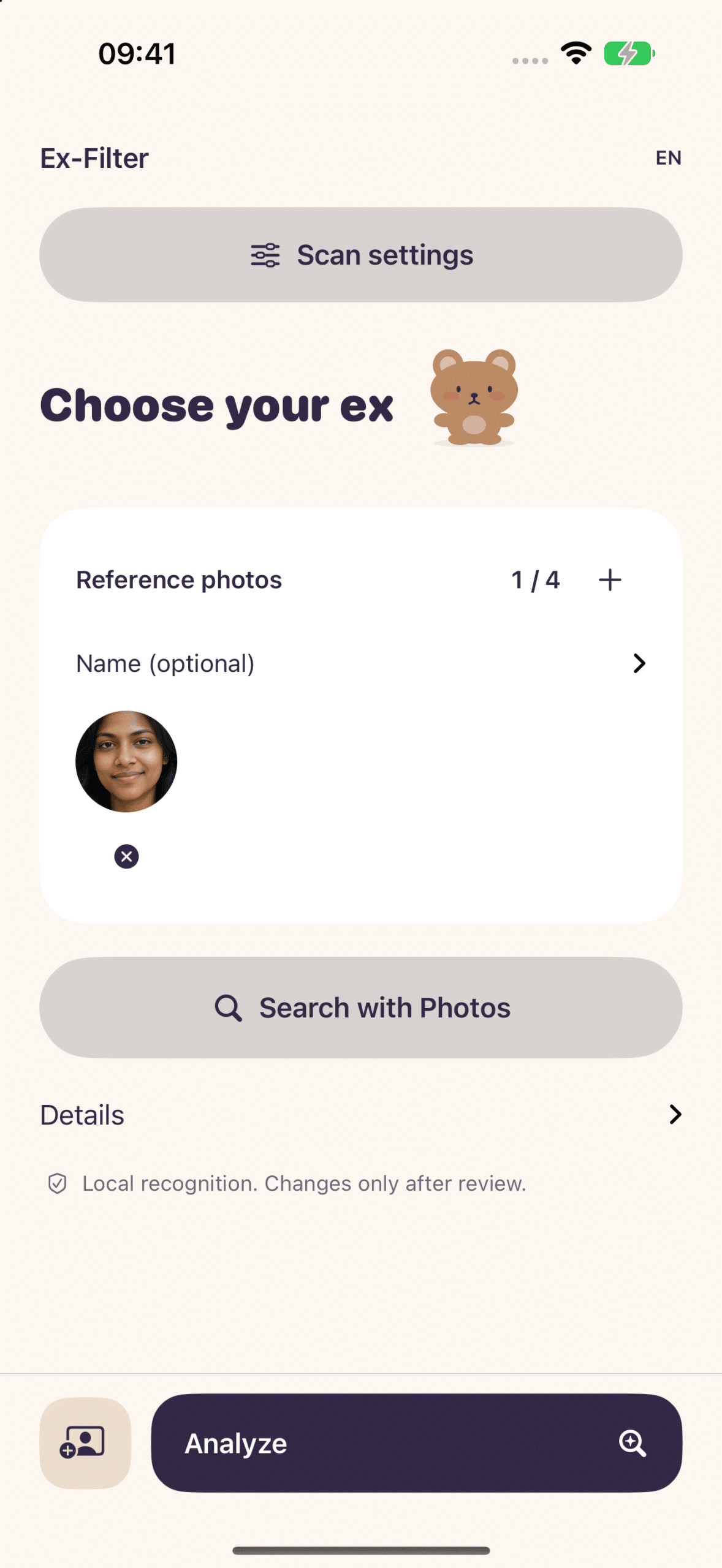
You choose a few reference photos of the person. Ex-Filter then runs similar-face matching on your device and suggests photos that look like a match. Face matching can make mistakes, so you review the results and decide what belongs. Nothing is assumed for you.
Archive photos of your ex your way
Once you’ve reviewed the matches, you choose what happens next:
- Gather them into an album. The album collects the photos in one place. It does not remove them from the rest of your Photos library.
- Export the originals to Files. Keep a copy outside Photos entirely.
- Back them up in a private encrypted vault. Keep an encrypted archive of your selection. Save an external copy and keep your recovery key separately.
Backup and deletion are separate steps. Ex-Filter has you verify a backup and confirm any deletion, so nothing disappears by surprise. The app does not automatically hide photos from Apple’s Memories, and it does not edit your originals.
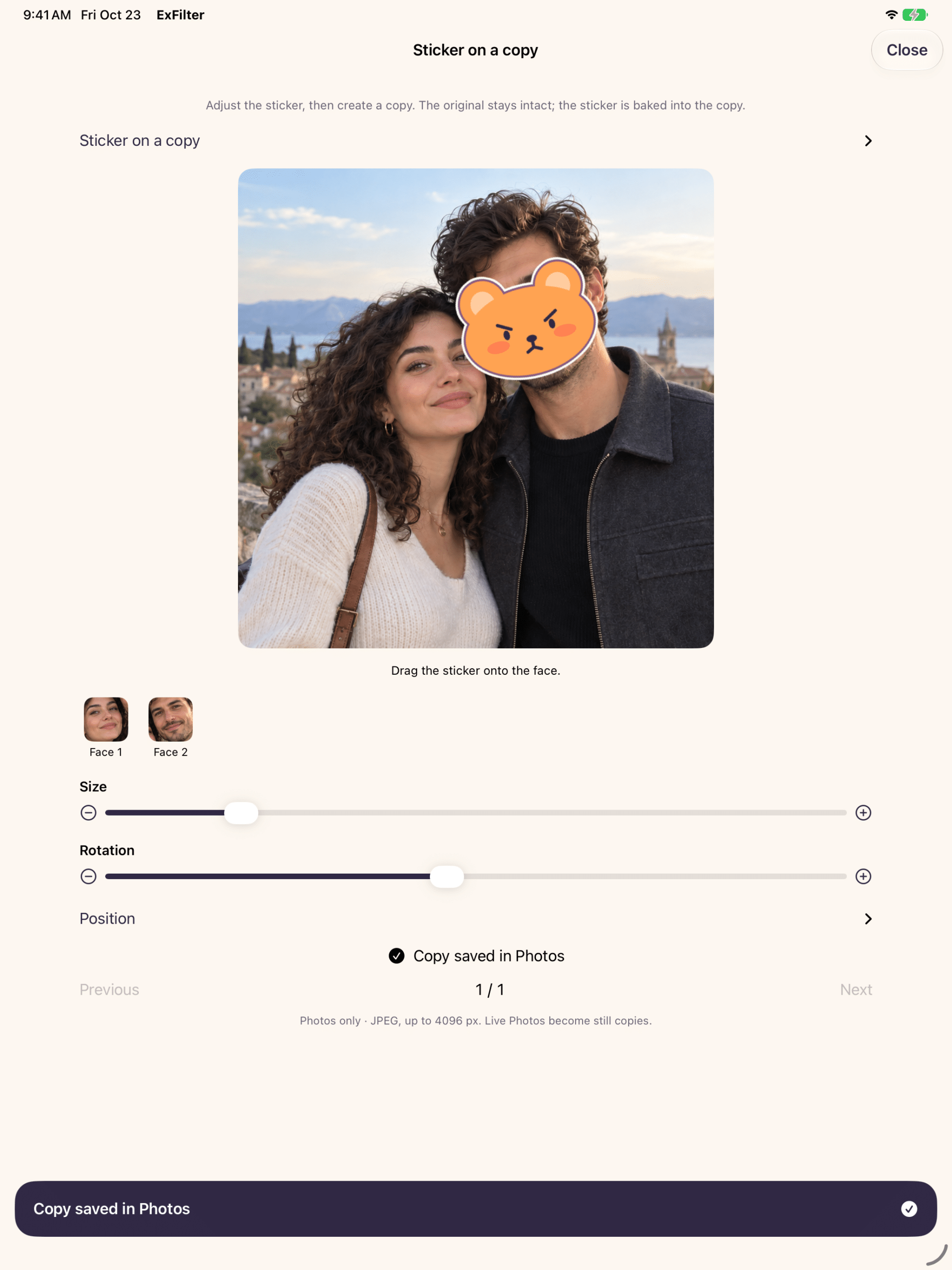
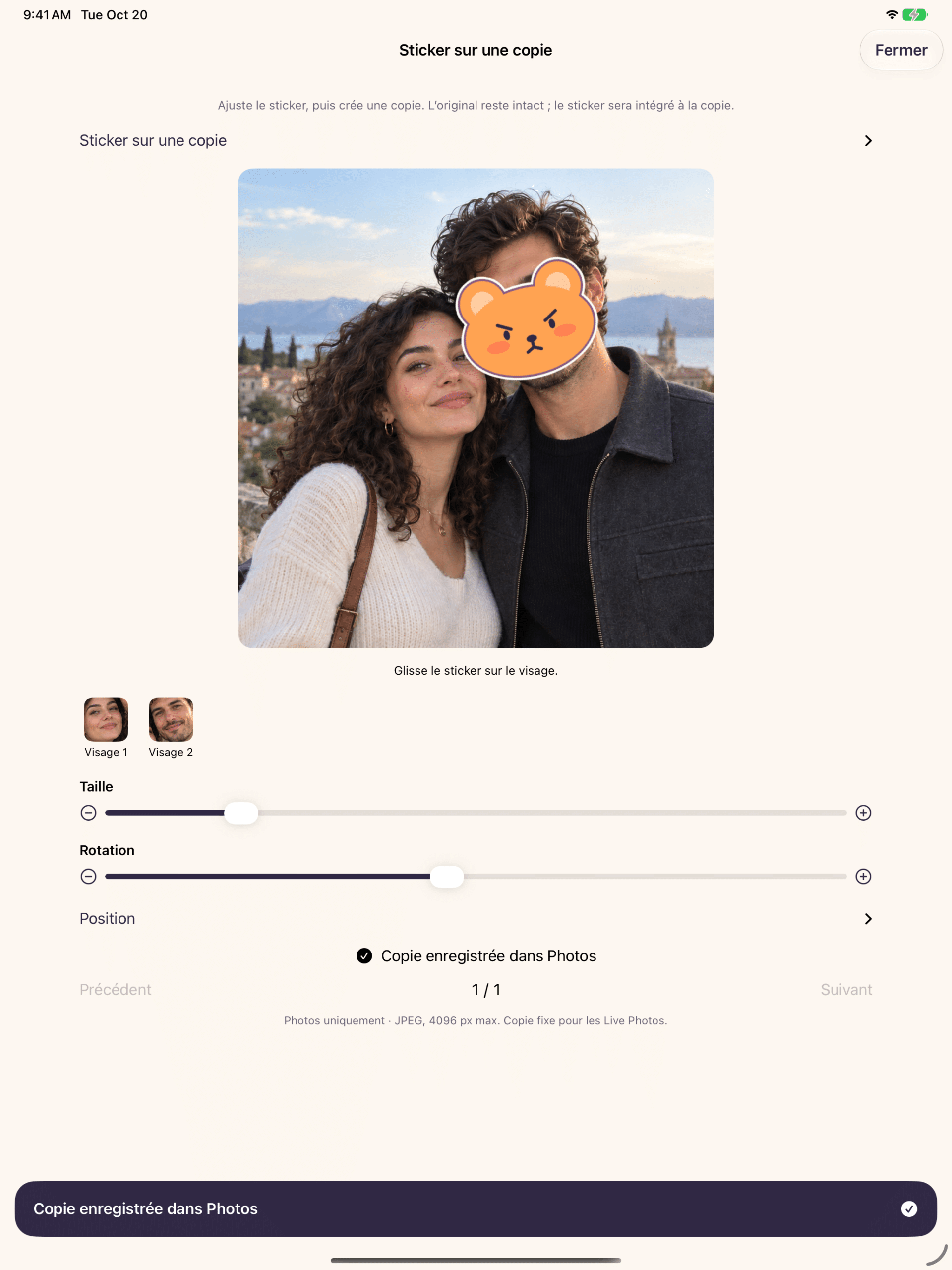
Kawaii photo stickers, applied to a copy
Sometimes you want to keep a photo but not the face in it. Ex-Filter’s kawaii photo stickers cover a face on a new saved copy, and the original is preserved. The sticker is baked into that copy and can’t be removed from it, so think of the copy as a finished version. Friendly, inclusive mascots in different moods and colors keep the tone gentle rather than clinical.
A gentler way to start
You don’t have to decide everything today. A sensible first pass is to pick your reference photos, review the matches and gather them into an album. That gives you a selection to review together; the same photos remain visible elsewhere in Photos. You can leave deletion for later, or skip it altogether. Export to Files or use the vault whenever you feel ready for another step.
What to expect
Ex-Filter works on iPhone and iPad running iOS or iPadOS 17 or later. It’s available in English, French, German and Spanish. Because matching is automatic, it won’t recognize every face perfectly. That’s why your review is part of the process, not an optional extra.
Learn more and get the app
Visit the Ex-Filter product page for an overview, or read the English Ex-Filter press release (PDF)communiqué de presse Ex-Filter (PDF) for the official announcement.
Your photos, your pace. Get Ex-Filter free on the App Store and start sorting your memories on your own terms.