
PhotoLikr
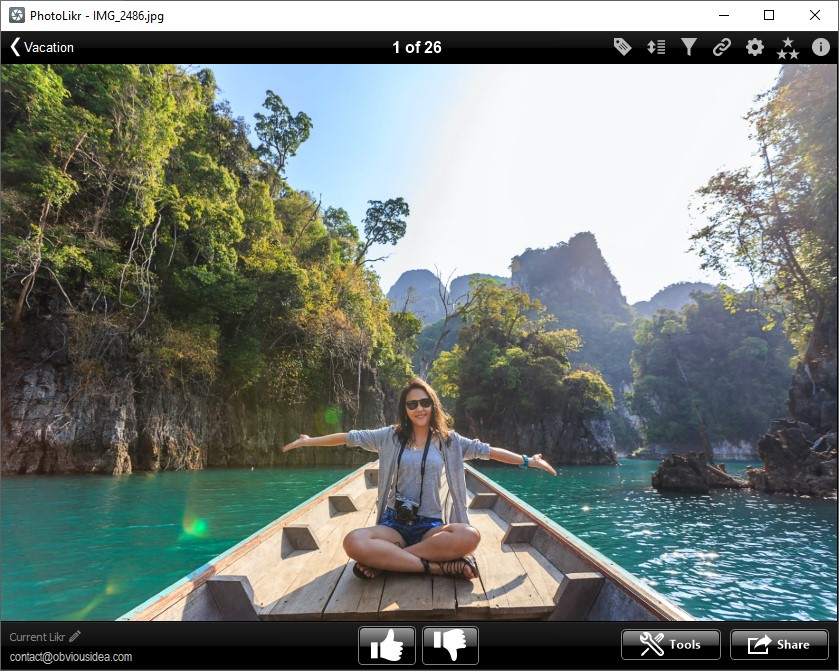
Fast photo viewer software to review and upload your images. Photolikr is the best app to Select, Sort and Share your pictures, clean up your hard drive or build a top selection of pictures.
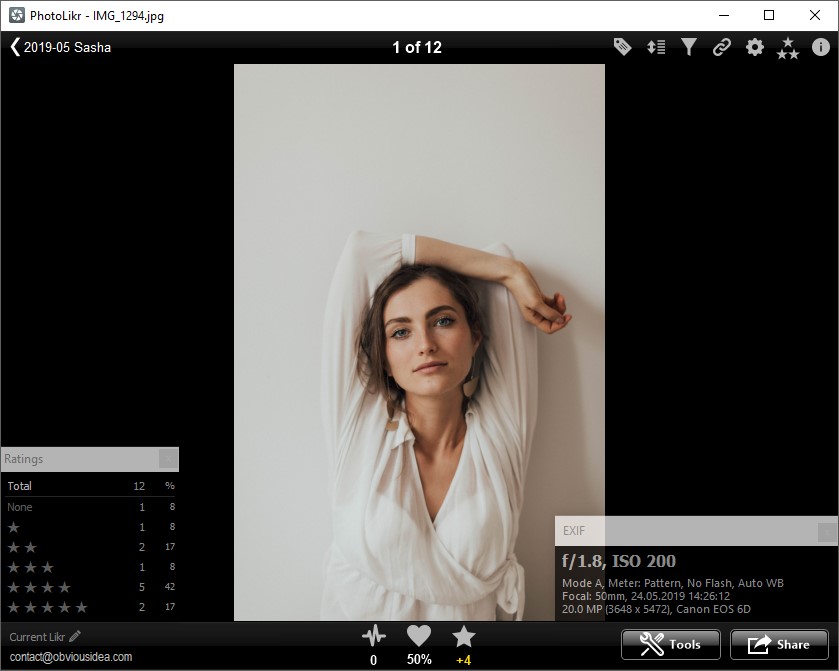
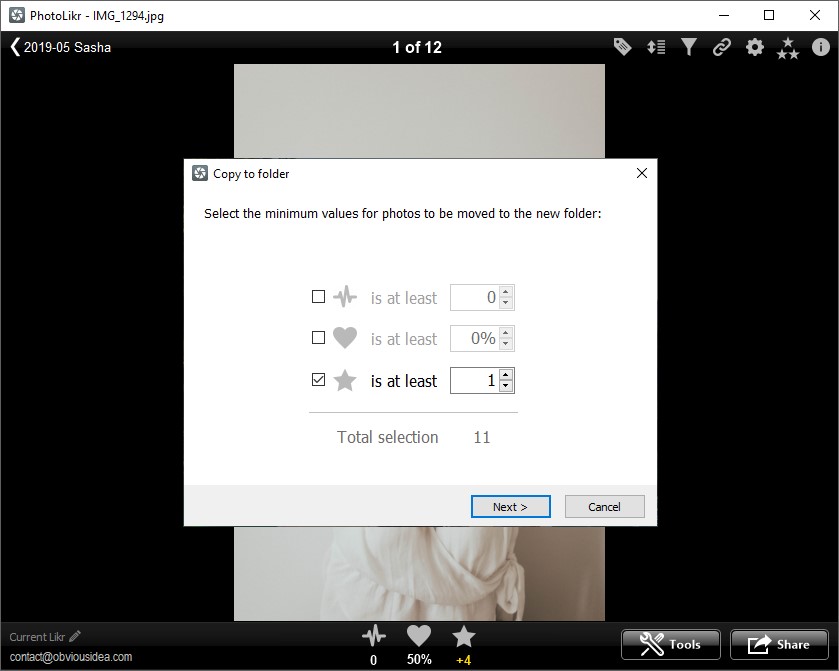
PhotoLikr for Windows let’s you quickly rate and sort pictures of a selected folder. Just use your up and down arrow keys to rate, and left or right to navigate. Once your pictures are rated, you can filter them and export your top selection to another folder, or upload them to Dropbox, and easily share the link on social media like Facebook, Twitter, or LinkedIn.

Windows 7 · 8 · 10 · 11
Download PhotoLikr
100% Clean – No adware, no spyware, virus checked
PhotoLikr help and FAQ
Need help reviewing, rating or selecting your photos? Visit the PhotoLikr support forum for questions and answers. Please include your PhotoLikr version and the exact steps when reporting a problem.
Besoin d’aide pour parcourir, noter ou sélectionner vos photos ? Consultez la rubrique d’assistance PhotoLikr. Pour signaler un problème, précisez votre version et les étapes exactes.
Key Features
- Fast photo viewer
- Support all common photo formats (including RAW)
- Advanced settings to create cache preview.
- Create Thumbnails for Windows explorer
- Quickly review and sort your photos
- Best Photo culling software
- Support touchscreen to rate up or down pictures with a gesture.
- Add one to five stars to each photo to sort.
- Filter photos by rating, number of likes or the shooten date.
- Quickly Compare photos with left and right key.
- Delete, copy or upload photos based on their ratings
- Write ratings to Lightroom catalog
- Works on all major versions of Windows ( up to Microsoft Windows 11 )
Supported Formats
- JPEG (.jpg, .jpeg)
- TIFF (.tif, .tiff)
- PNG (.png)
- GIF (.gif)
- Bitmap (.bmp)
- JPEG 2000 (.jp2, .j2k)
- JPEG XL (.jxl)
- JPEG XR (.jxr)
- WebP (.webp)
- AVIF (.avif)
- HEIC (.heic, .heif)
- Camera RAW (.dng, .cr2, .cr3, .crw, .erf, .raf, .mrw, .nef, .orf, .pef, .sr2, .srf)
- Any format supported by a Windows wic file extension.
Screenshots
Latest Version
Version: 2026.0.0.14
Released: September 28th, 2026
Size: 12 MB